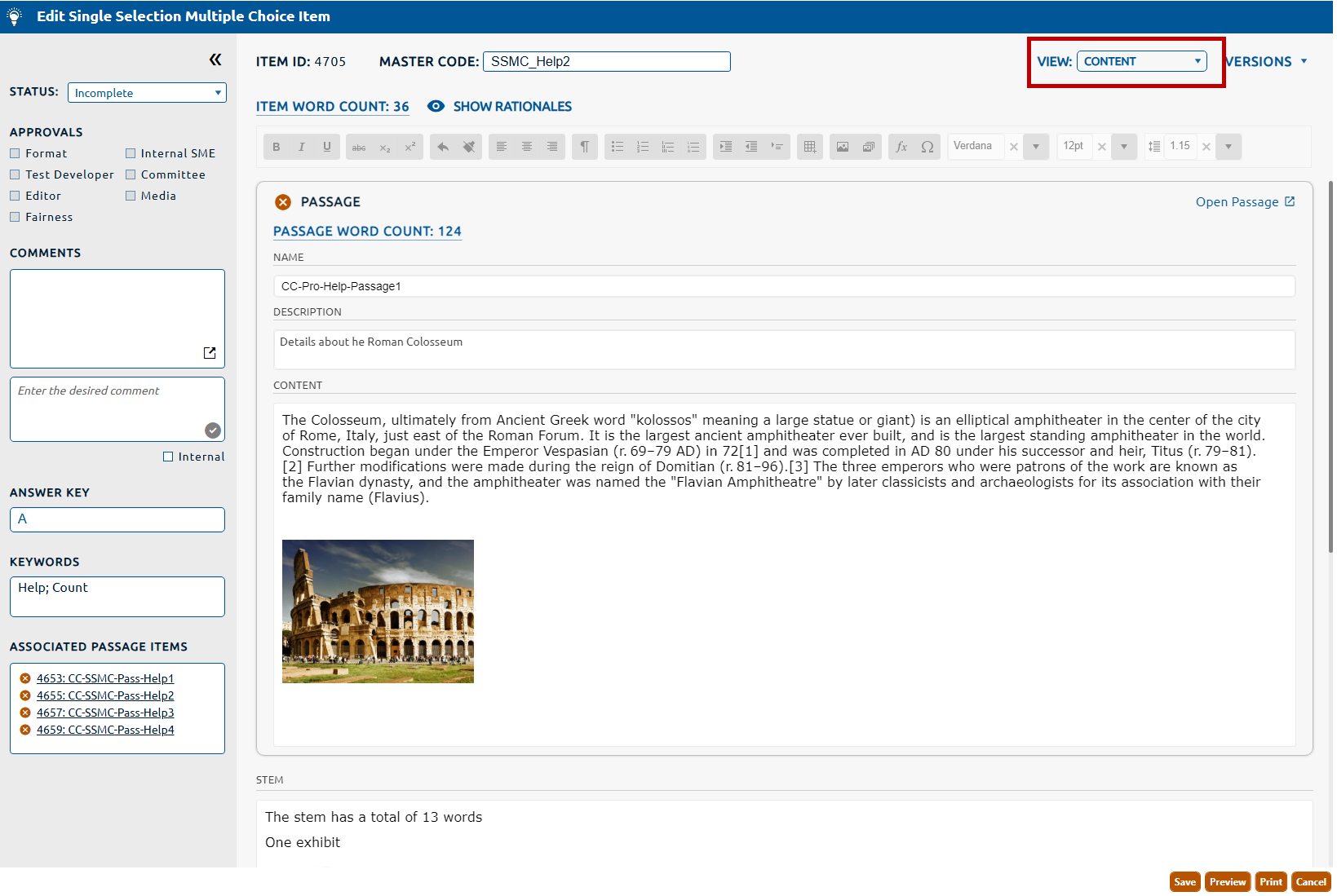
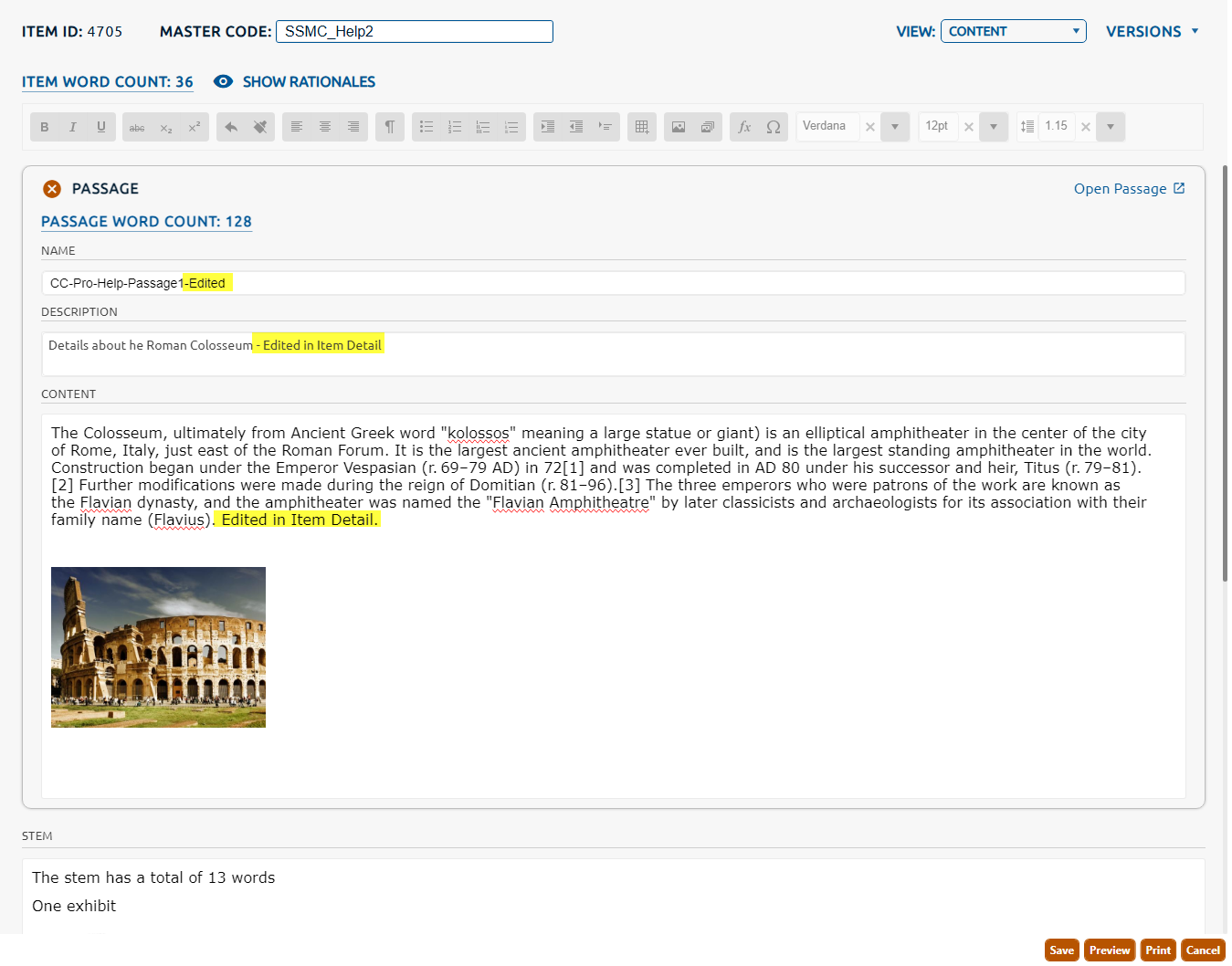
If an item has a passage associated with it and the item and the passage are in a status that allows for edits, then its passage content can be edited within the item.
Note:Click here for information on editing the content of a passage within the passage detail page.
6. Click Save to persist any changes to the passage content.
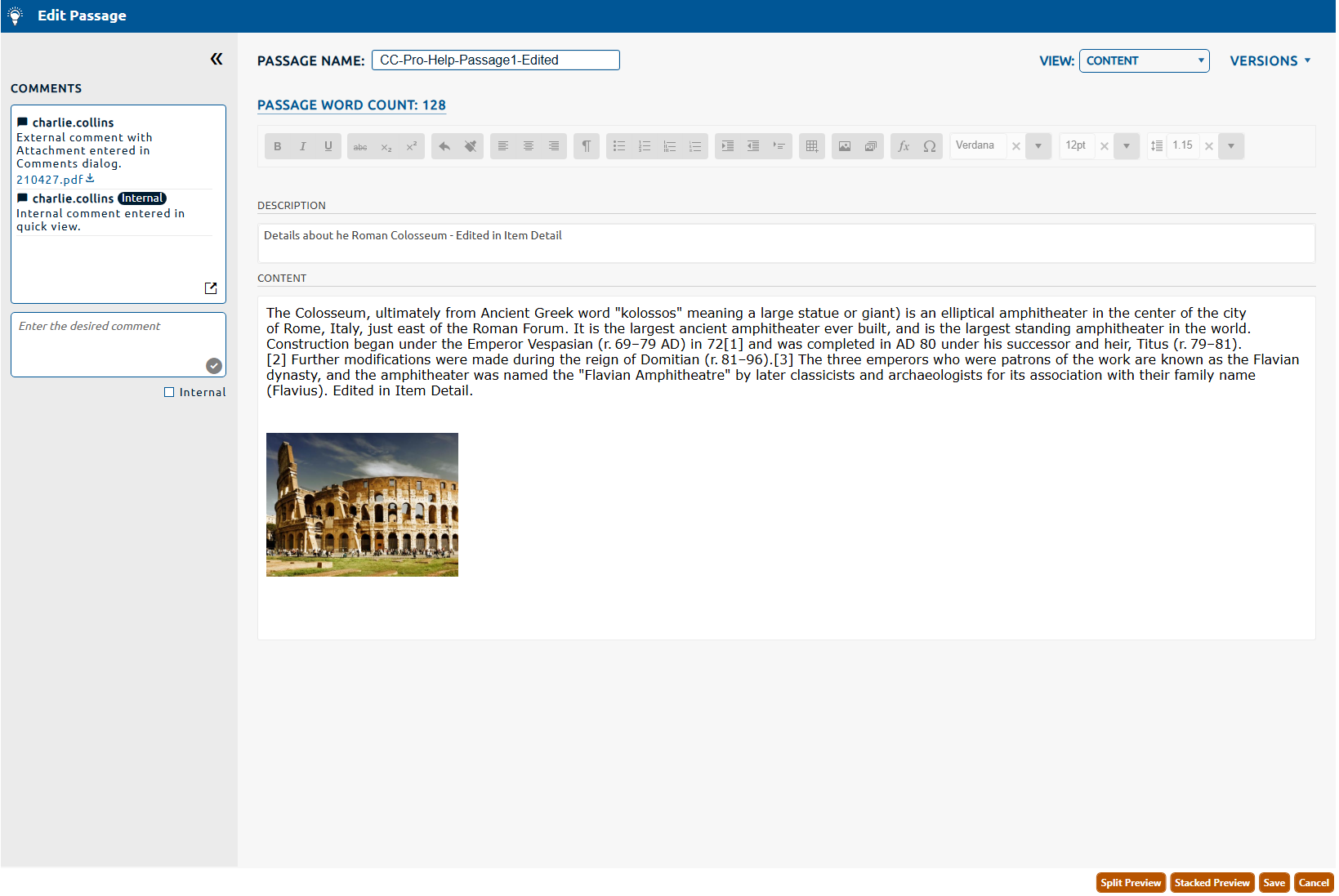
7. Opening the Passage Detail page will show those persisted changes to the passage. If the passage is already open the updates done in the item will show in real time.
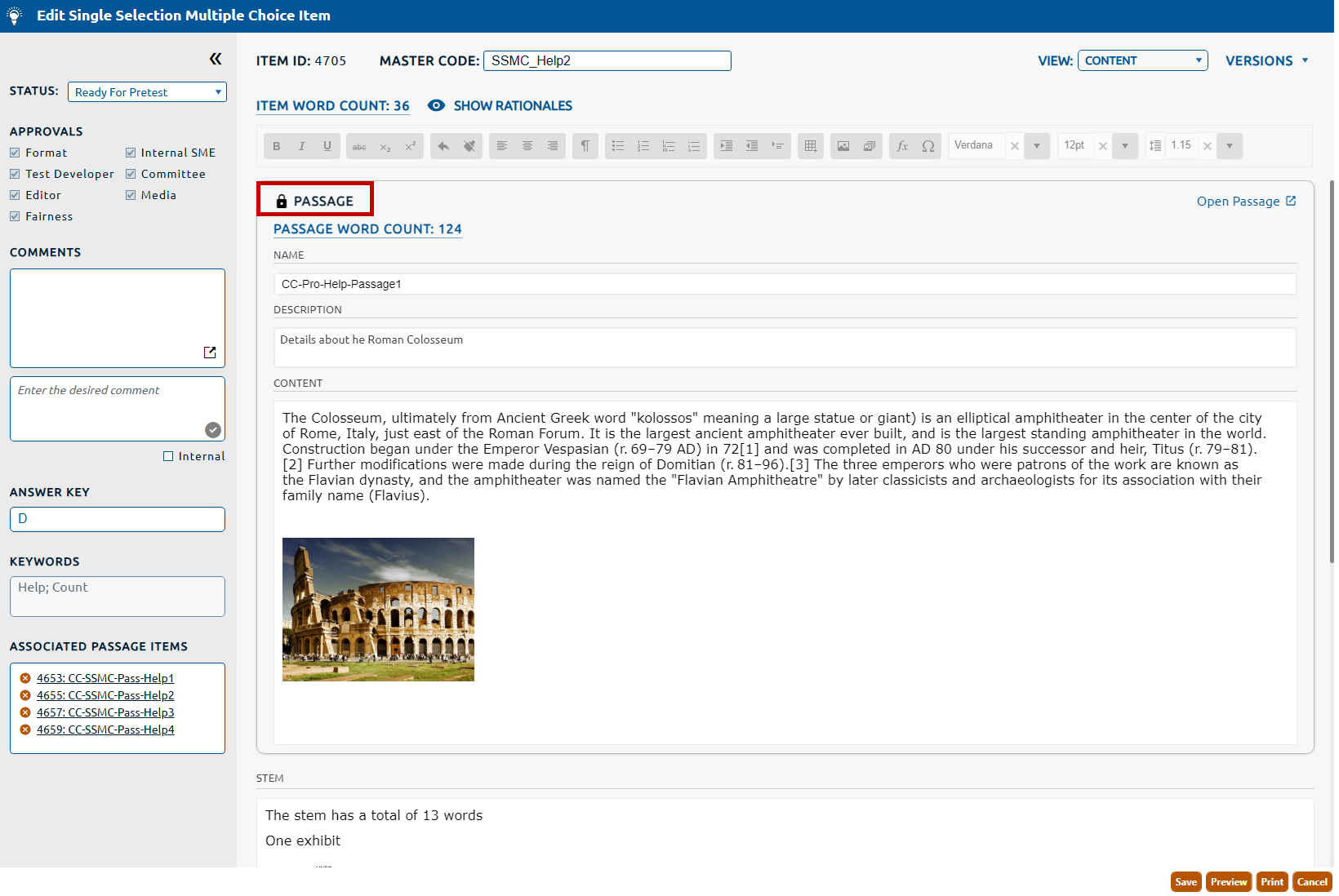
8. If the passage is not editable due to its state (i.e. the passage is contained in an item that is in a review project or the passage is associated with an item in a operational status), then the Passage will appear with a lock icon (highlighted in red, below) when the item is opened. Locked passages cannot be edited.