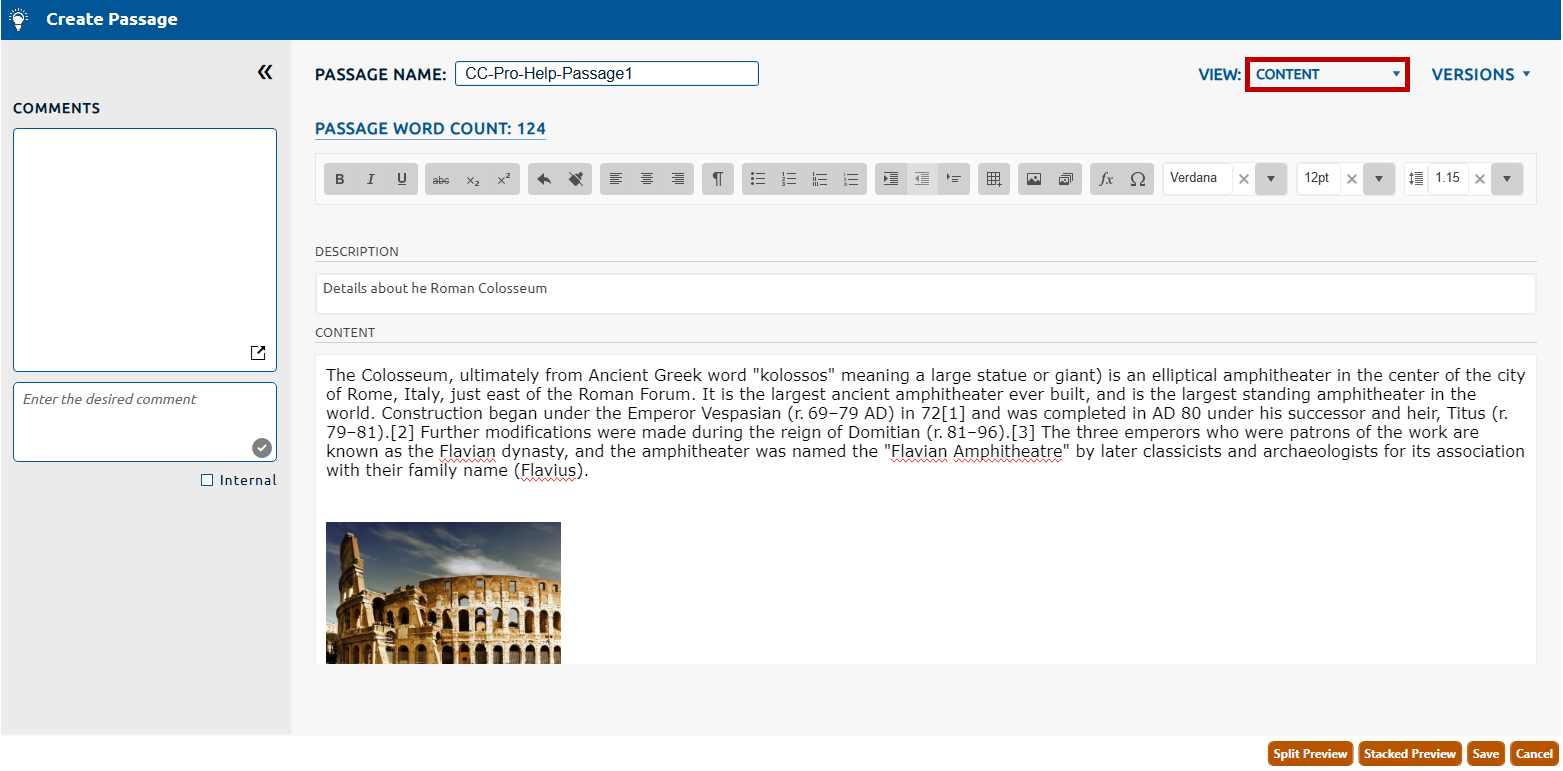
Editing content of a passage
To edit the content of a passage:
1. The Content page will be selected by default from the View dropdown (highlighted in red, below).
2. The Passage Name is a editable to any unique alphanumeric value.
3. The passage Description is an optional field that can be updated with any textual content.
4. The Content field can be edited using rich text, images and audio/video clips (called exhibits), symbols, and tables.
5. Click Save to persist any changes to the passage content.