Editing data in user-defined fields for an item
If you are authorized, you may edit data in user-defined fields (UDFs) for an item.
|
|
Notes: Click here for full instructions on entering data into user-defined fields for an item.
|
To edit data in UDFs for an item:
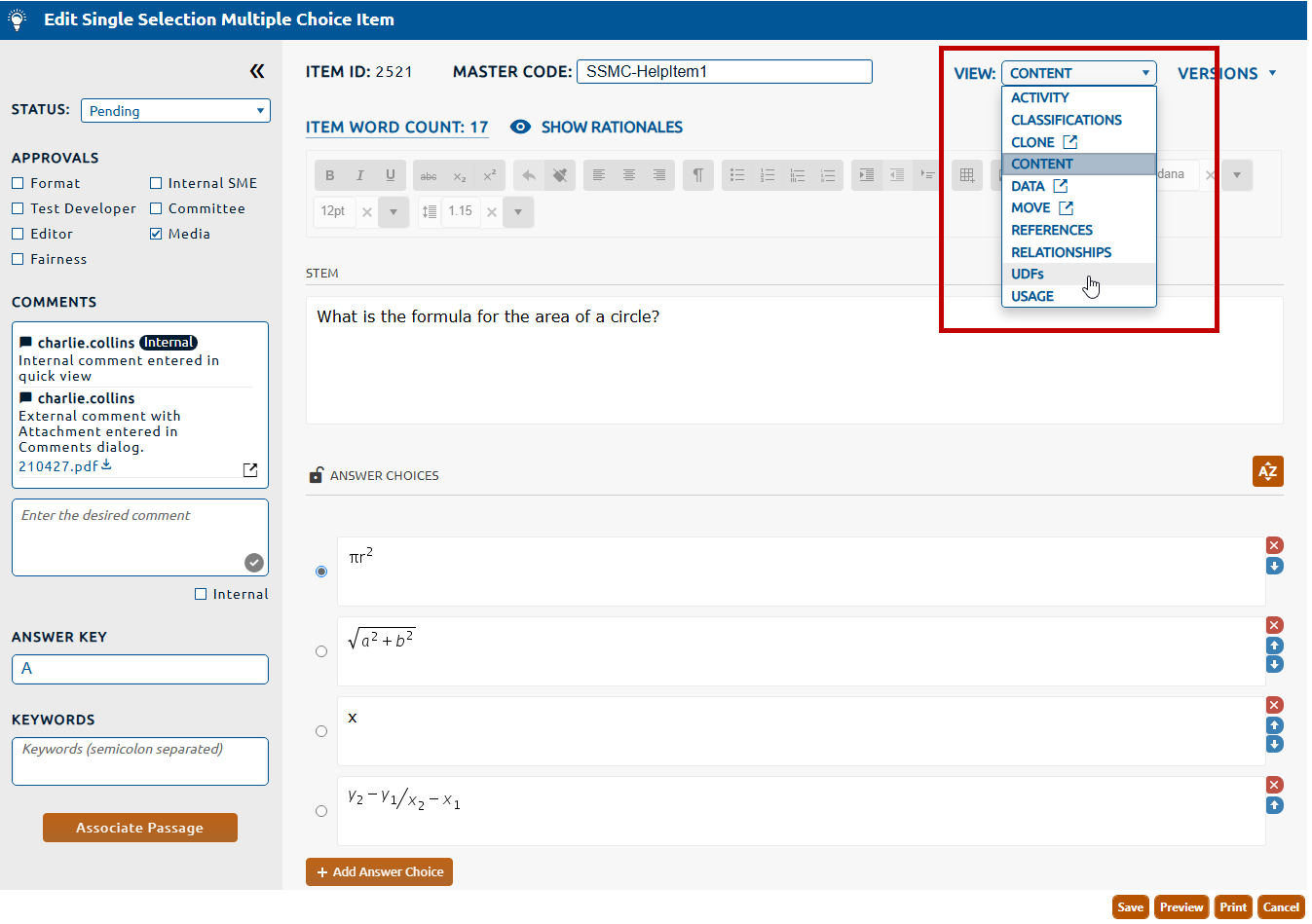
2. Select UDFs from the View dropdown (highlighted in red, below).
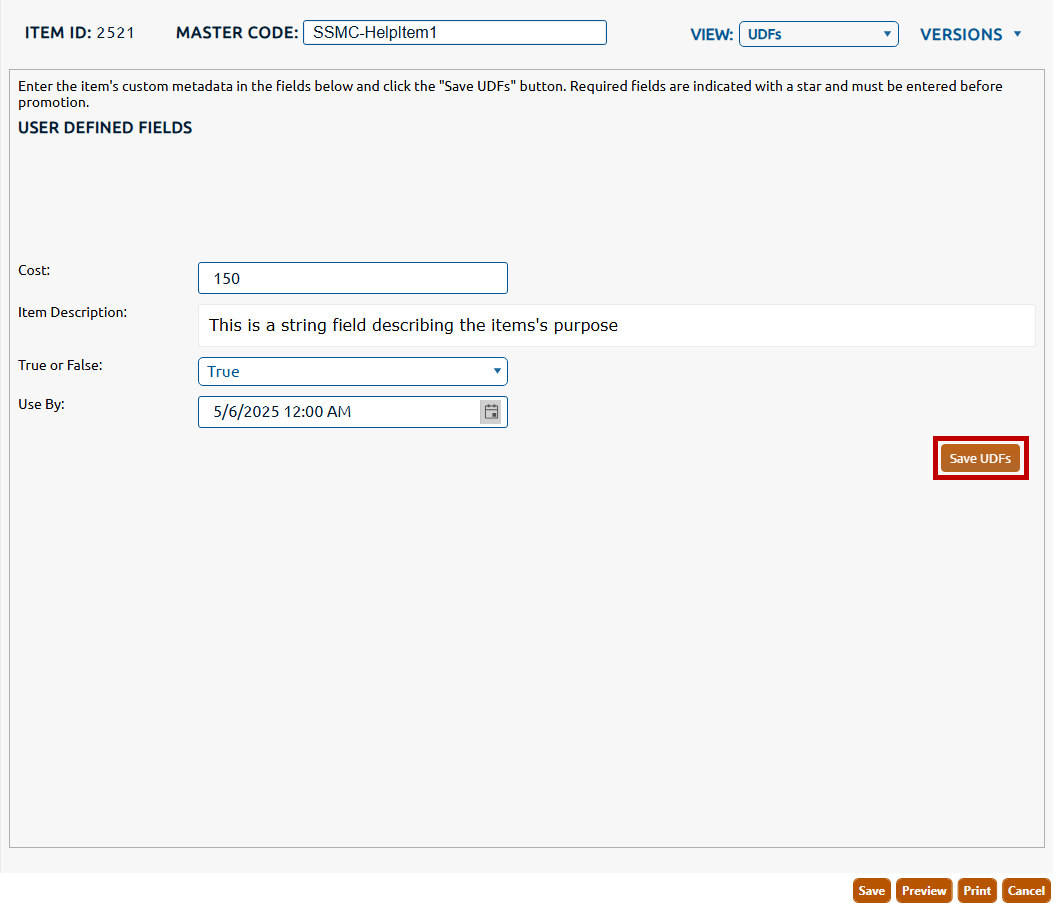
3. The User Defined Fields view is displayed.
4. Edit any data in the UDFs.
5. Click the Save UDFs button to persist all changes.
|
|
Note: Some UDFs are specified as required. If the UDF is required, the item cannot be promoted to a pending status until a value is entered.
|