If you are authorized, you may edit the classifications of an HTML item.
Note:Click here for full instructions on assigning classifications to an HTML item.
To edit classifications for an HTML item:
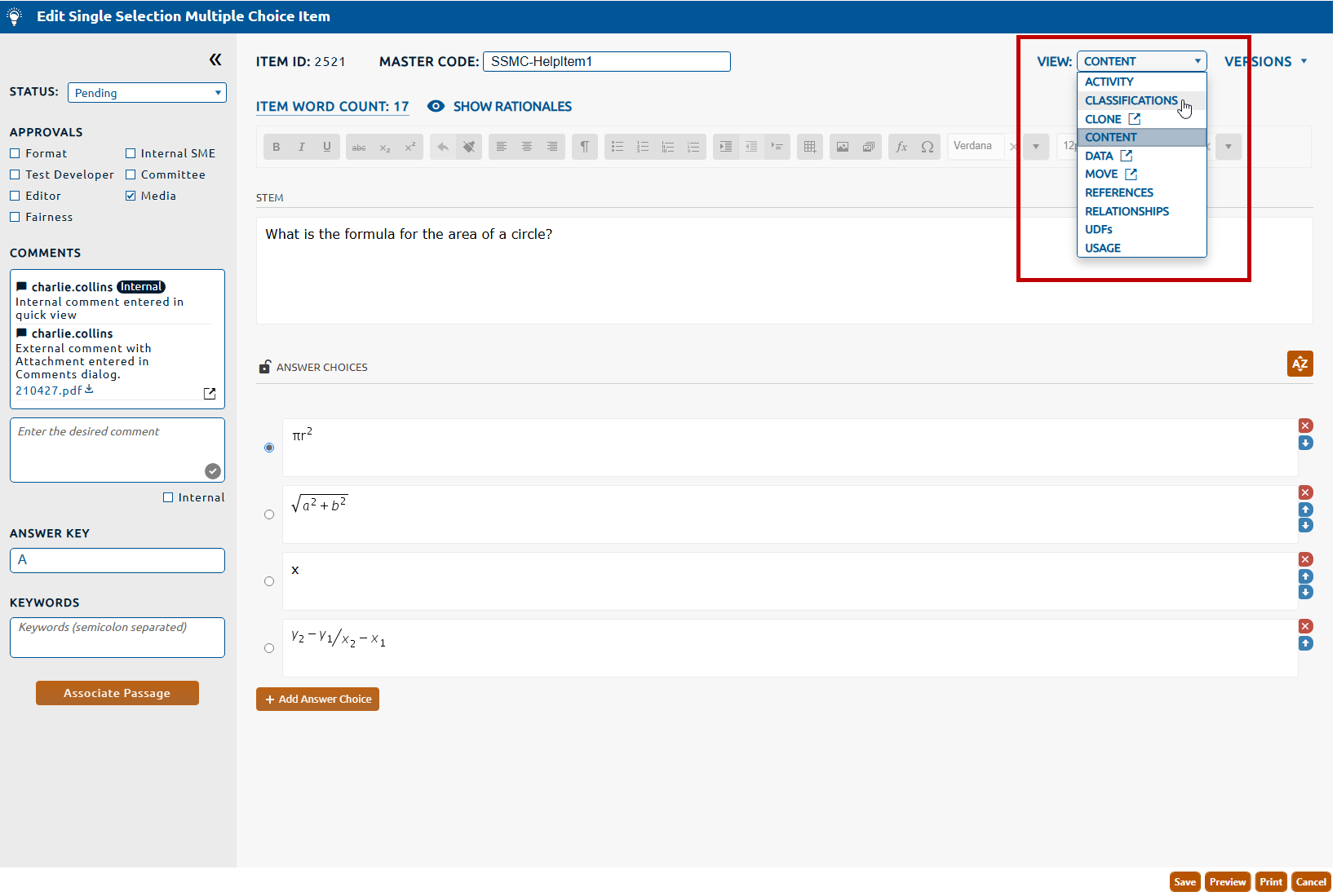
1. Select Classifications from the View dropdown (highlighted in red, below).
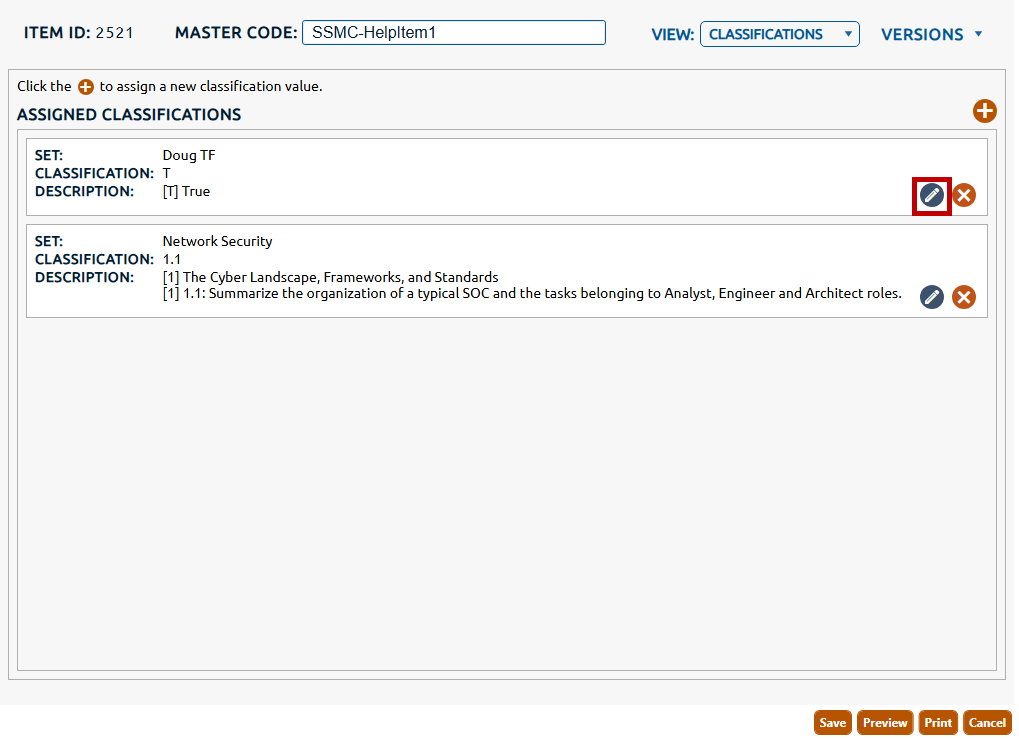
2. The Classifications view is displayed. Any classification values assigned to the item will be displayed in a list below Assigned Classifications. To edit a value click the pencil icon (highlighted in red, below)
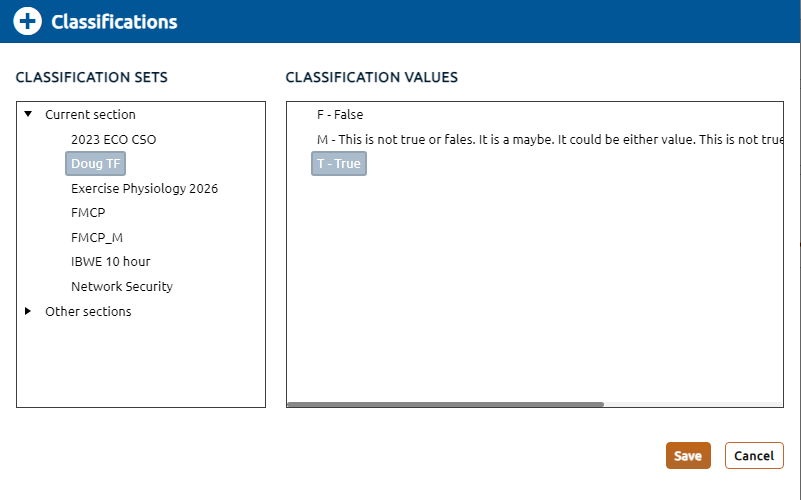
3. The Classifications dialog will be displayed showing the current selection of set and value.
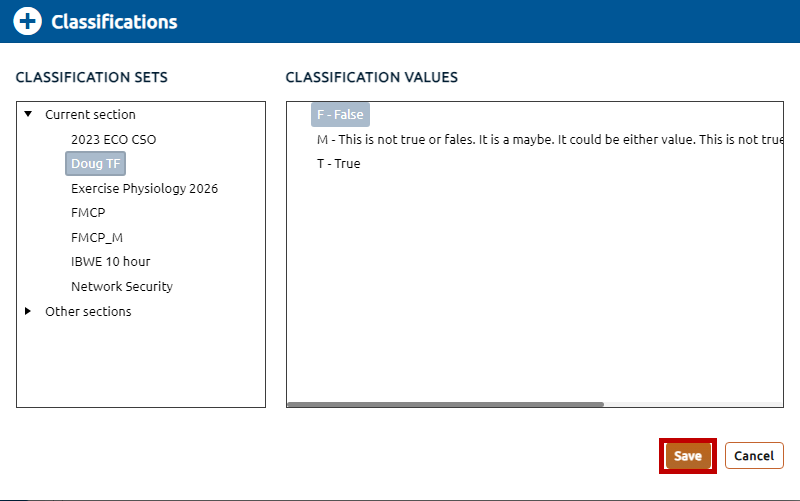
4. A replacement classification set can be selected from the Classification Sets list along with the appropriate value in the Classification Values list. In the example below only the value was changed. Click the Save button to persist the change.
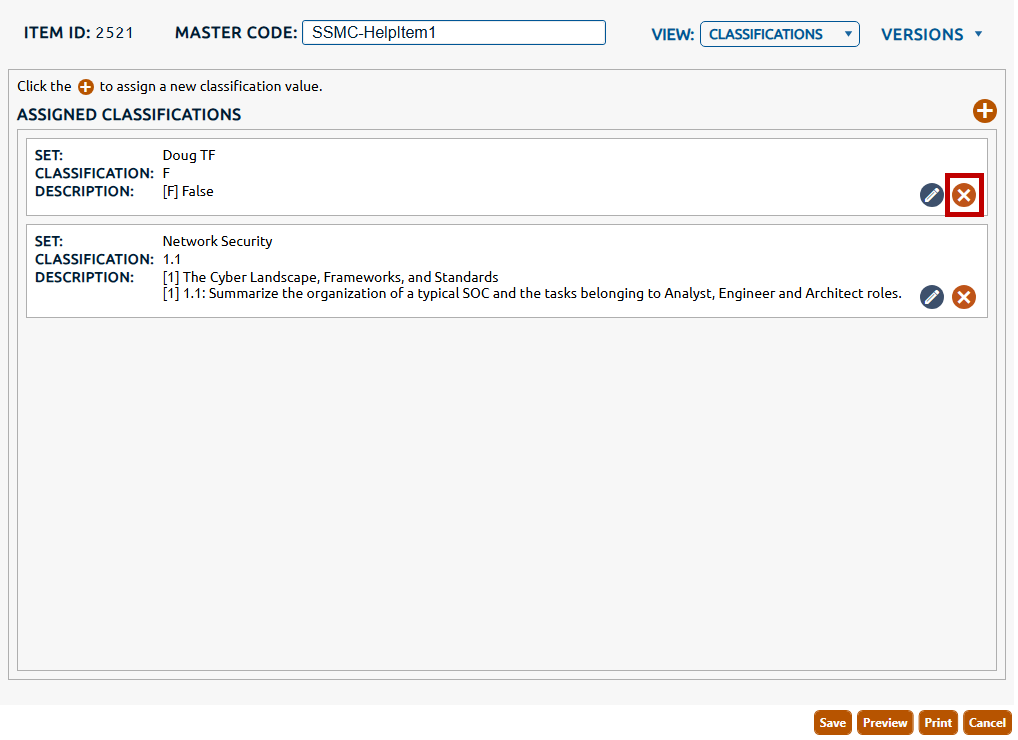
5. To delete a classification click the X icon (highlighted in red, below) that is in the row of the classification to be deleted.
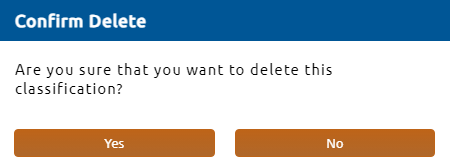
6. Select Yes in the Confirm Delete dialog to persist the deletion of the classification.