A passage can be deleted from Pro! if when it has no associated items.
To delete a passage:
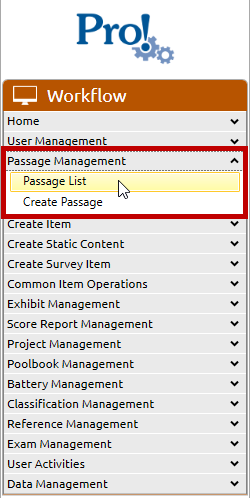
1. In the Workflow menu, click Passage Management:> Passage List
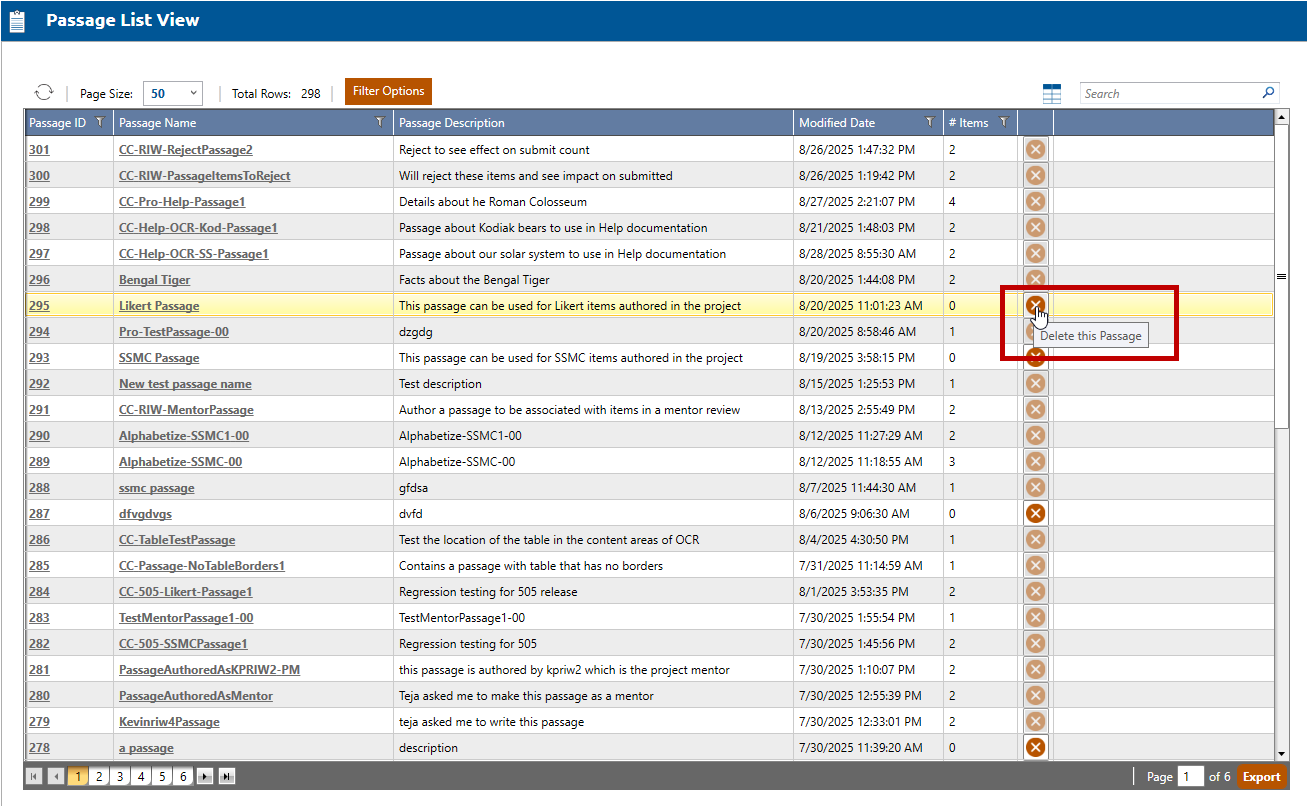
2. A list of all passages will be displayed in a tabular format. The passages with no associated items are eligible to be deleted. Their X icon will be active and selectable. Click the X for the passage to be deleted.
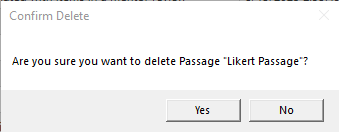
3. The Confirm Delete dialog is opened. Click Yes to persist the passage deletion.
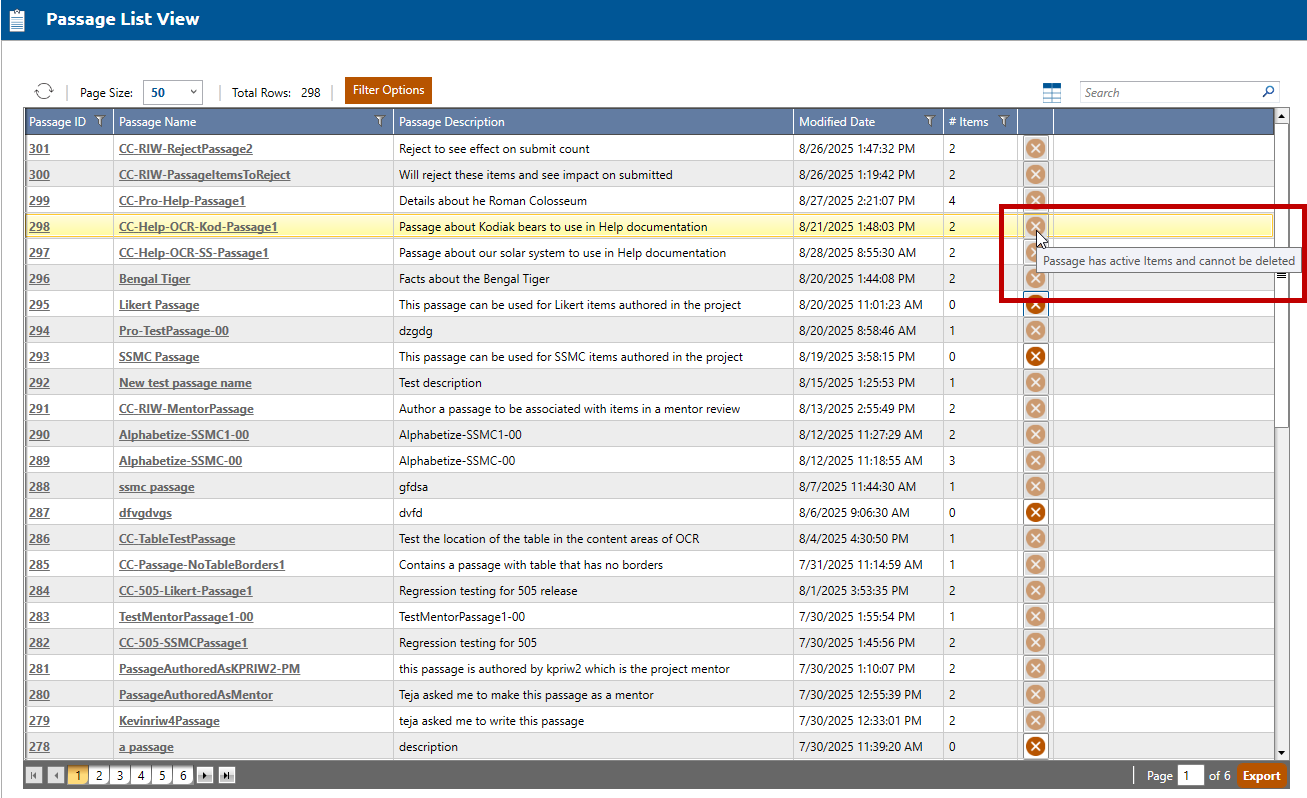
4. Any passages with associated items will have its X icon inactive and unselectable.