If you are authorized, you may add or delete comments for a passage.
Note: Click here for full instructions on entering comments for a passage.
To add or delete comments for a passage:
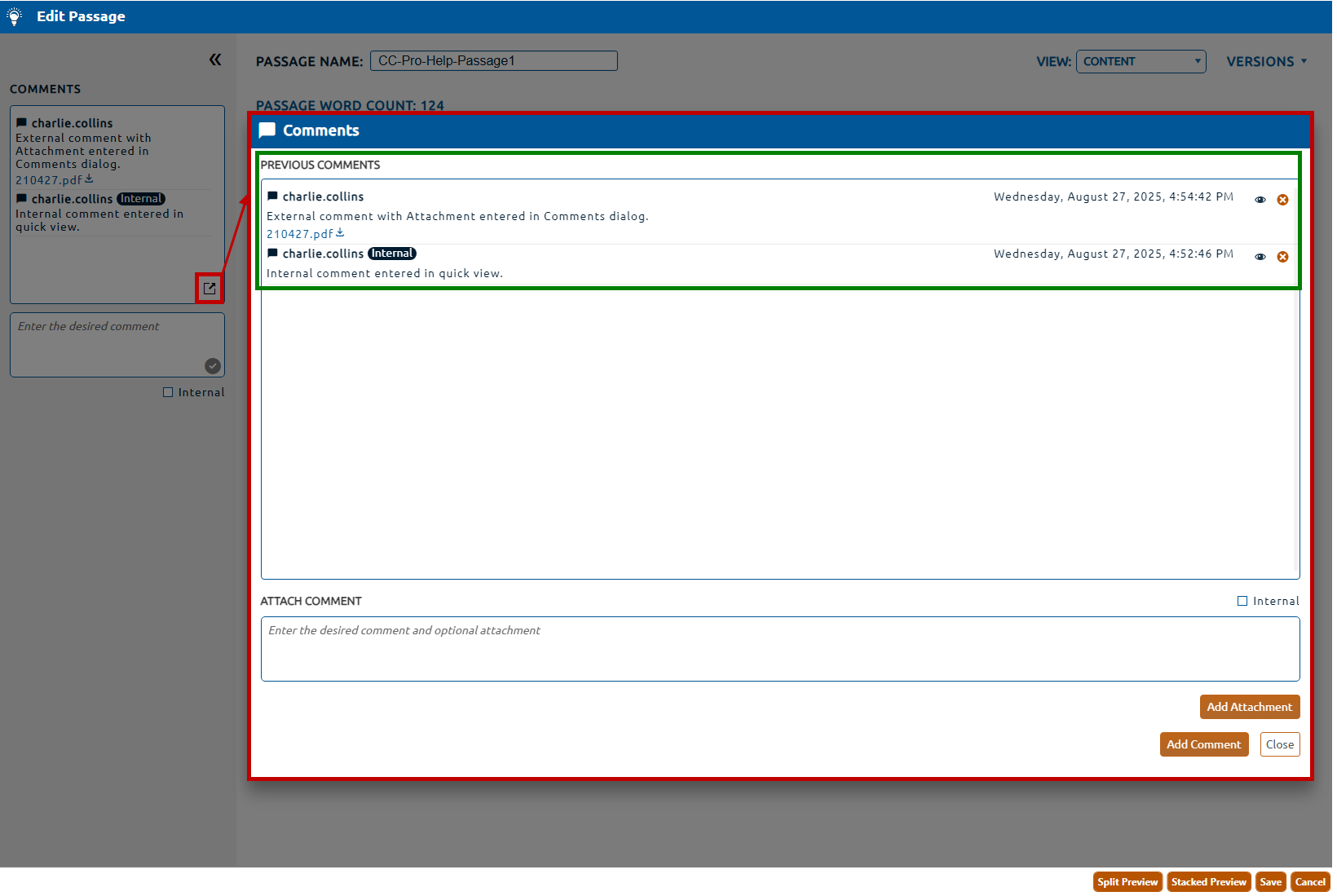
1. In the Comments Quick View, select the dialog icon (highlighted in red, below). This will open the Comments dialog.. All comments for the passage will appear in the Previous Comments field (highlighted in green, below):
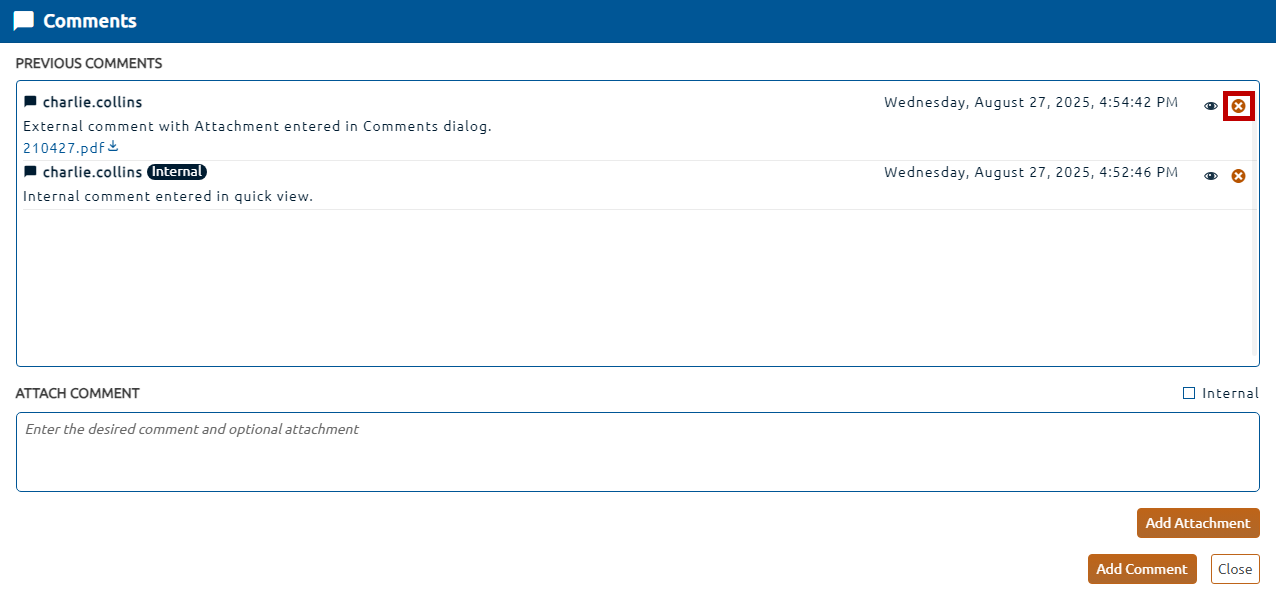
3. To delete an existing comment, click the X button (highlighted in red, below) next to the comment.
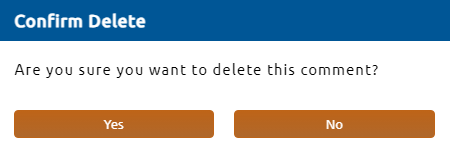
4. The Confirm Delete dialog will open. Click Yes to persist the deletion of the comment.
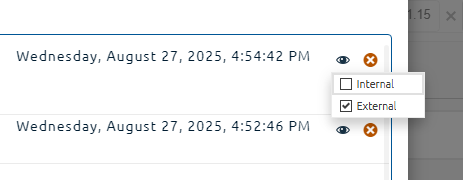
5. To change the comment's visibility, click the icon and select Internal or External from the list.


 icon and select Internal or External from the list.