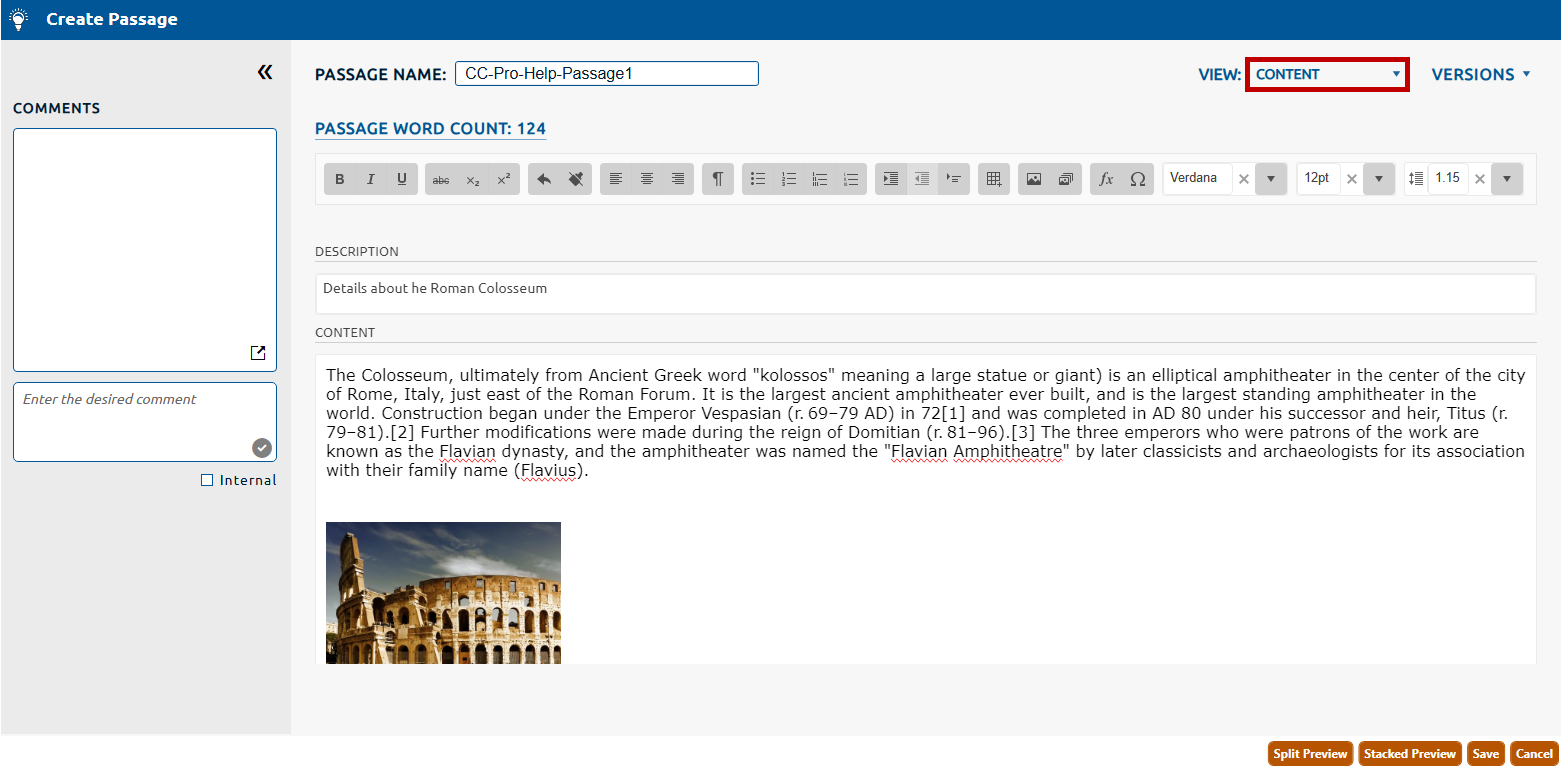
1. The Content page will be selected by default from the View dropdown (highlighted in red, below).
2. The Passage Name is a required field that is used to assign a user specified alphanumeric identifier to the passage. This value will be used to identify the passage throughout Pro!.
3. The passage Description is an optional field that can be populated with an informative description of the passage being authored.
4. In the Content field enter the passage content using rich text, images and audio/video clips (called exhibits), symbols, and tables.
In the example below, the user has entered a passage with details regarding the Roman Colosseum:
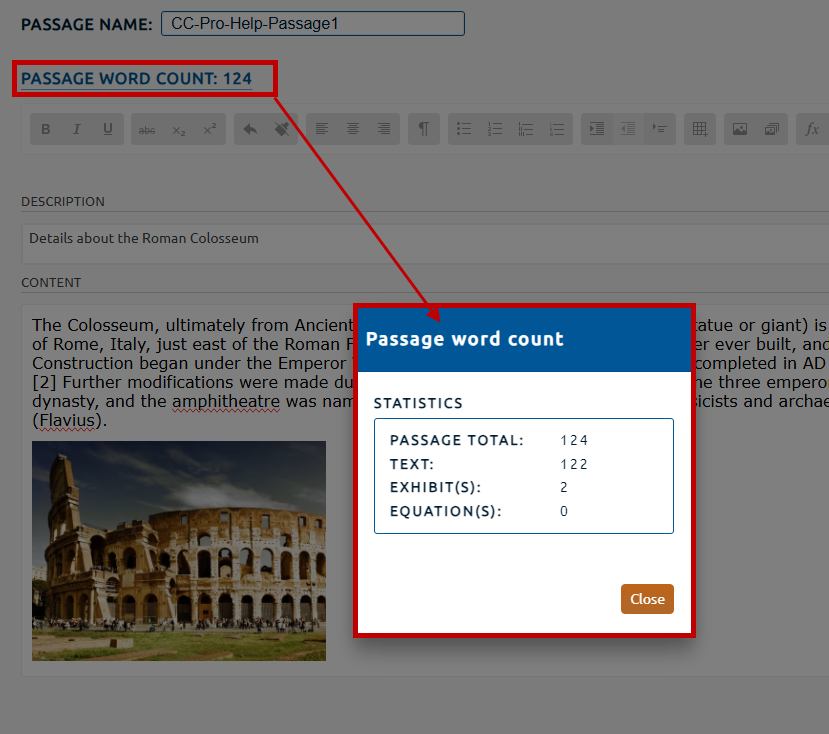
5. The Content page provides a PassageWord Count (highlighted in red, below) for the passage content. Selecting the Passage Word Count hyperlink will open the Passage word count dialog. This dialog will provide a statistical breakdown of the passage's word count.
The Passage Total consists of the following:
Text: The number of words used.
Exhibit(s): The summation of all exhibits multiplied by their section default or custom word valuation.
Equation(s): The summation of all equations within the Content multiplied by their section default or custom word valuation.
6. Click the Save button to persist any values entered on the Content page.