Viewing references for an HTML item
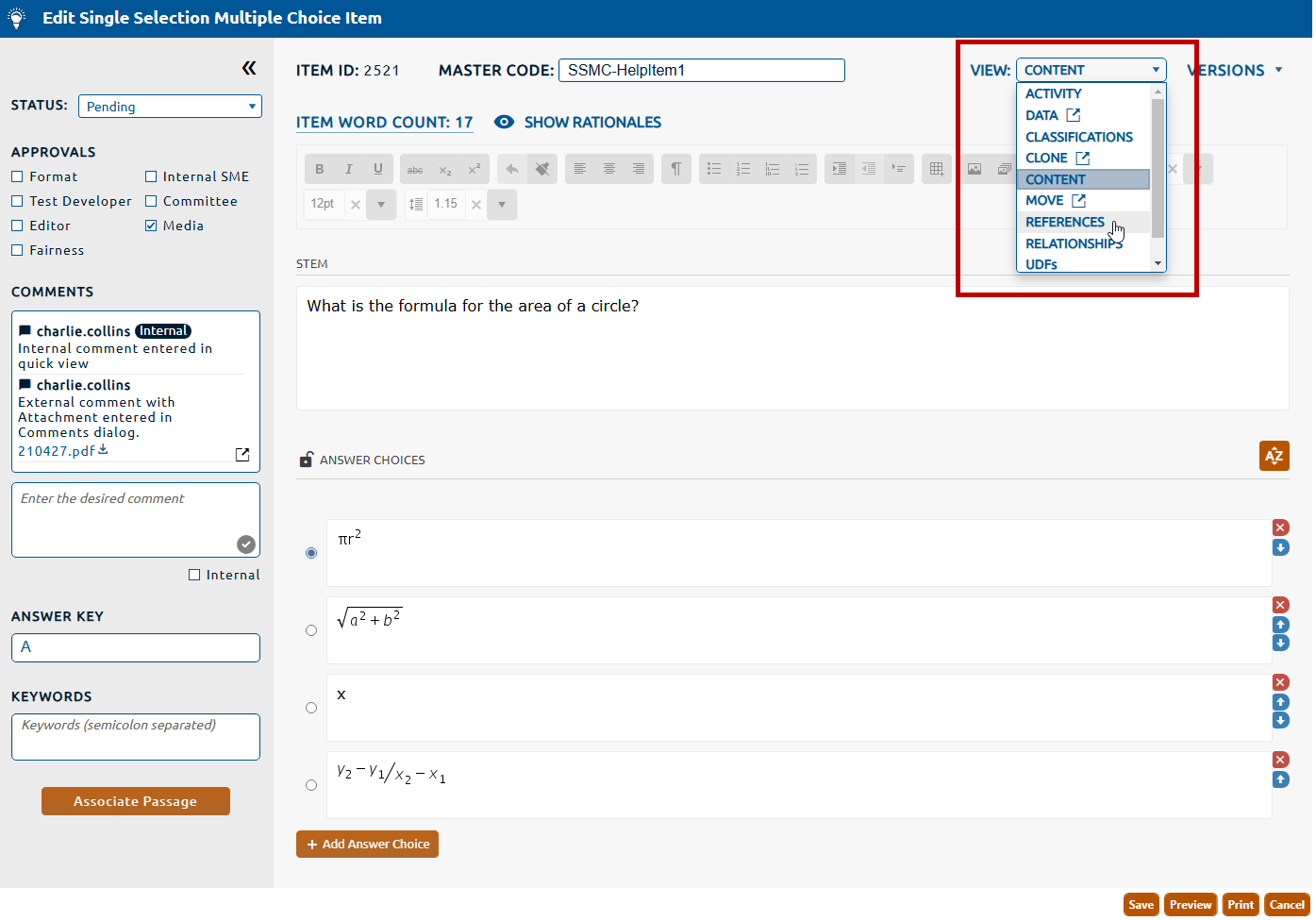
To view references for an HTML item:
1. Select References from the View dropdown (highlighted in red, below).
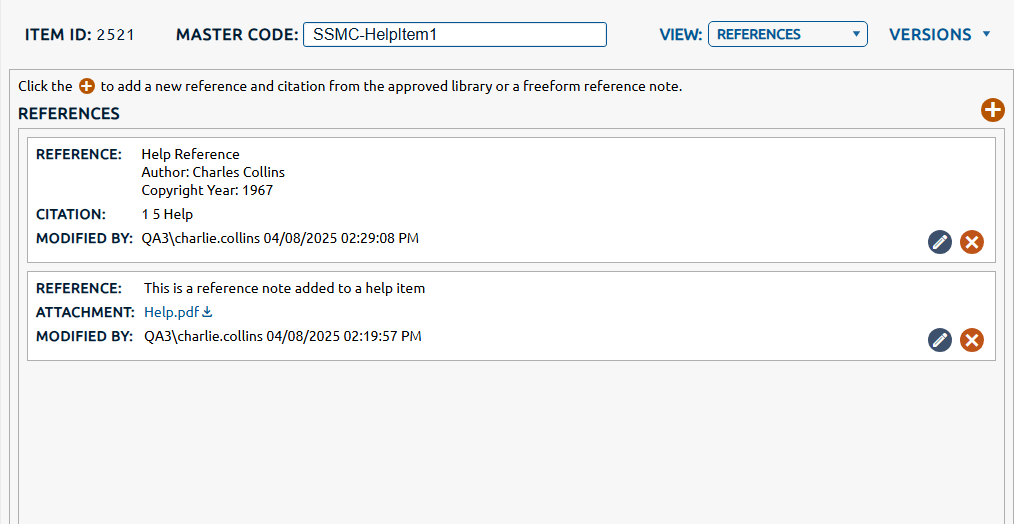
2. The References view is displayed. Any reference notes or approved references assigned to the item will be displayed in a list below References.