Viewing references for a passage
Passages can have optionally assigned references. Reference assignment is consistent throughout Pro!.
To view references for a passage:
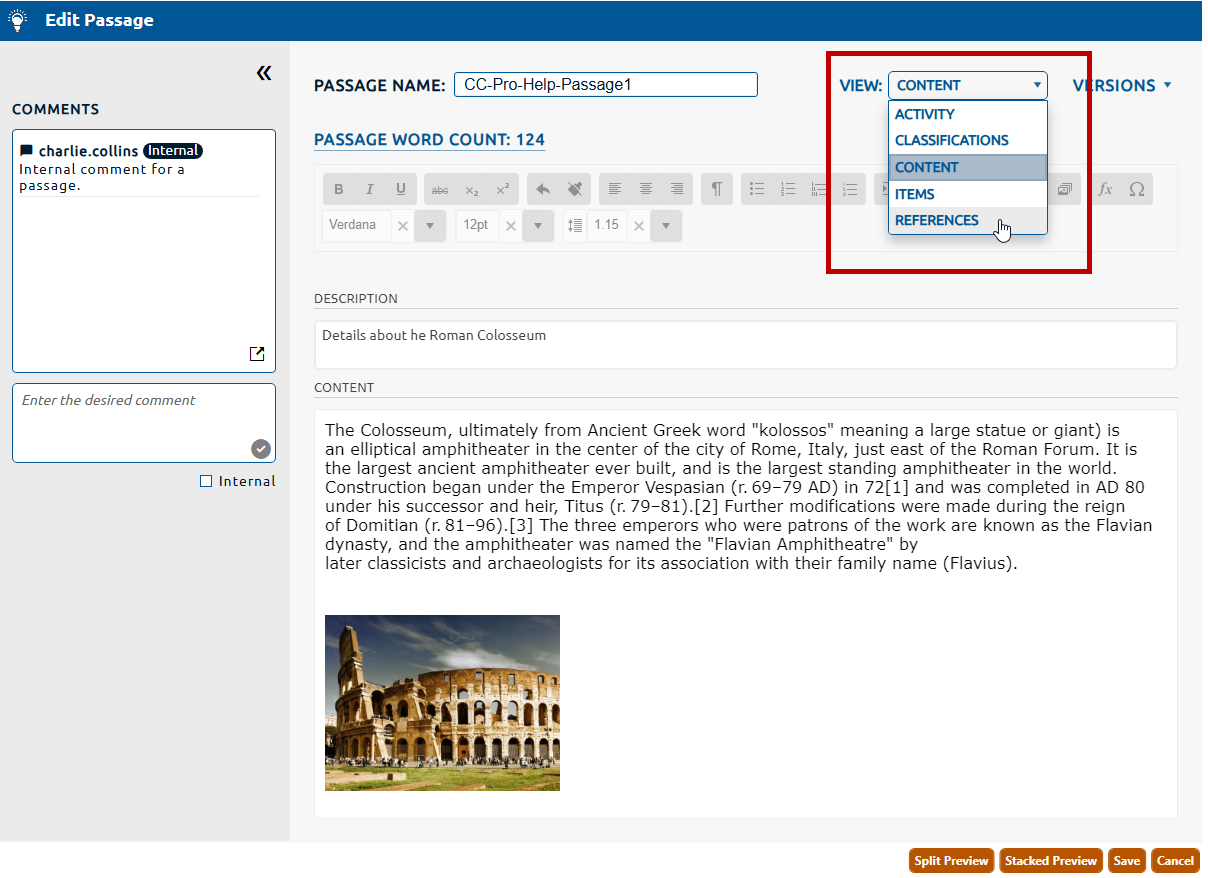
1. Select References from the View dropdown (highlighted in red, below).
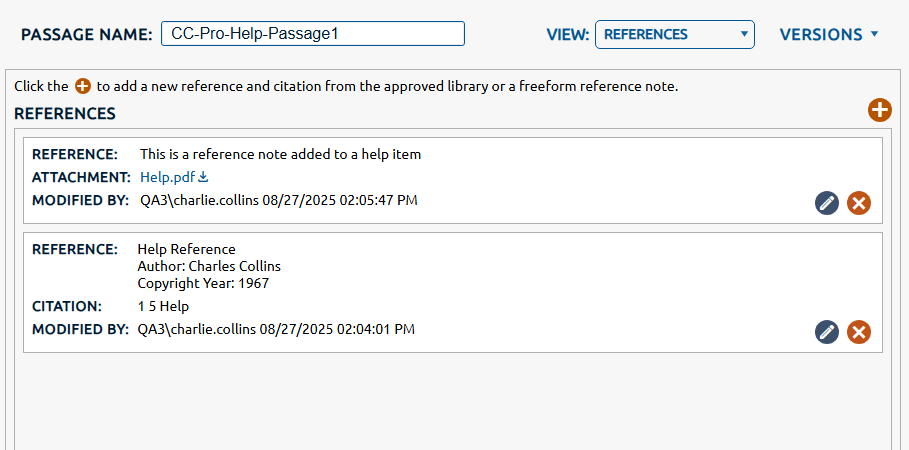
2. The References view is displayed. Any reference notes or approved references assigned to the passage will be displayed in a list below References.
|
|
Note: Click here for information on creating and managing references in the reference library.
|