Viewing items associated with a passage
To view items associated to a passage:
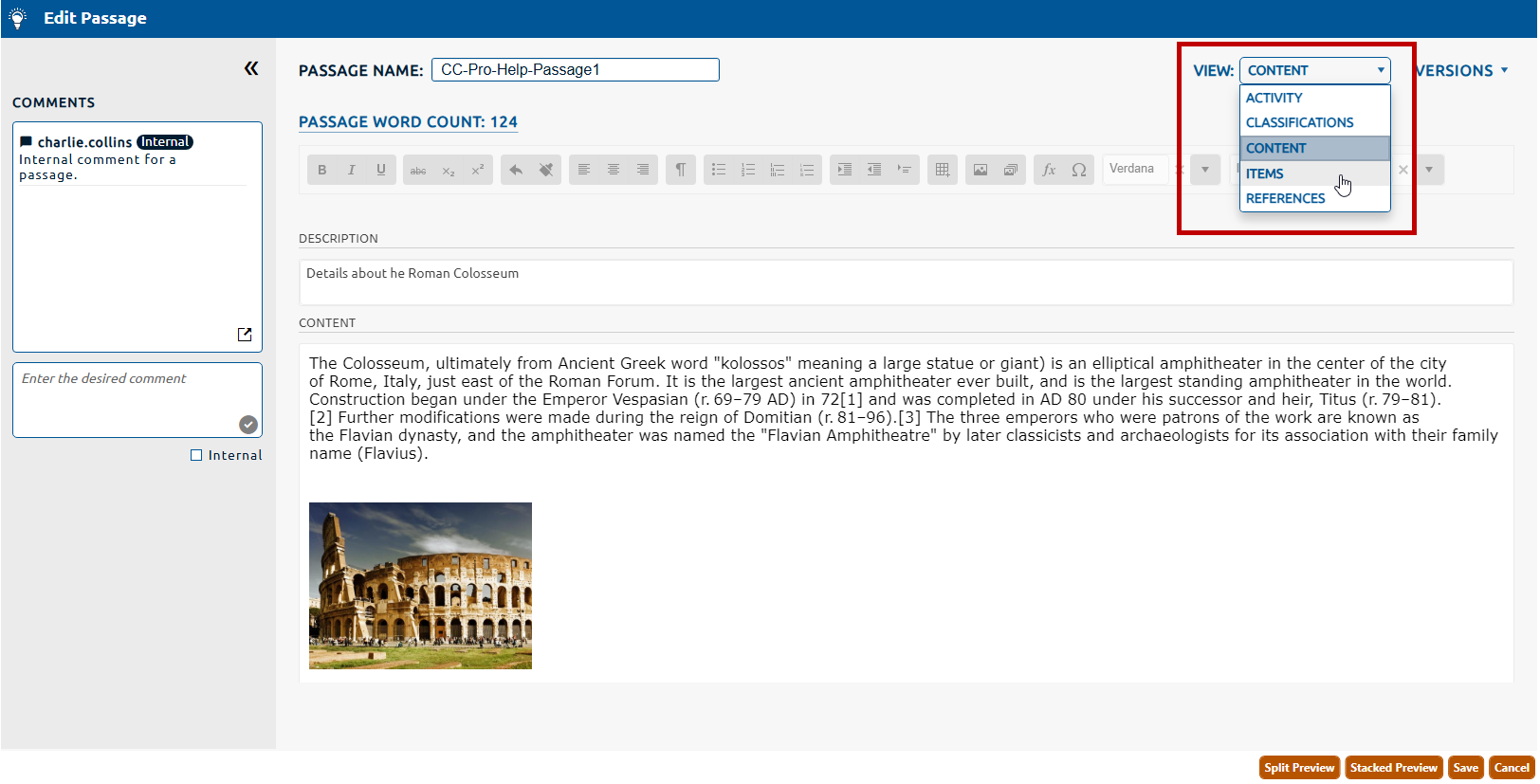
1. Navigate to the Items page (highlighted below) by selecting it from the View dropdown (highlighted in red, below).
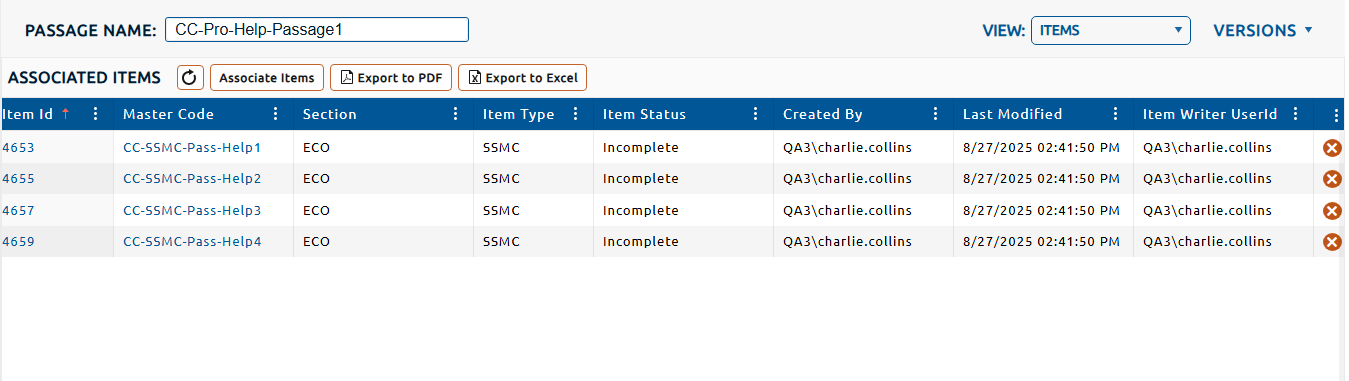
2. The items currently associated with the passage are displayed in the Associated Items table.