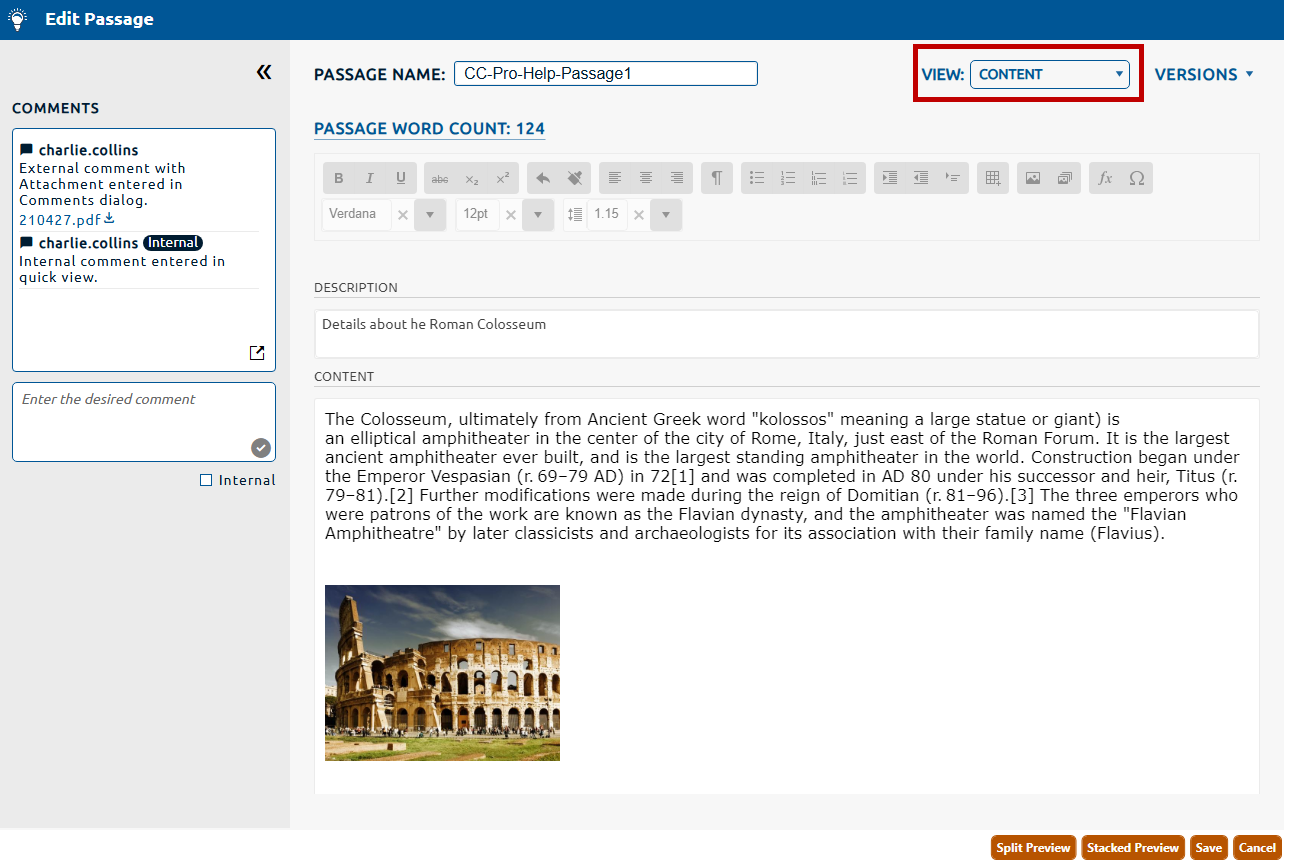
1. The Content page will be selected by default from the View dropdown (highlighted in red, below).
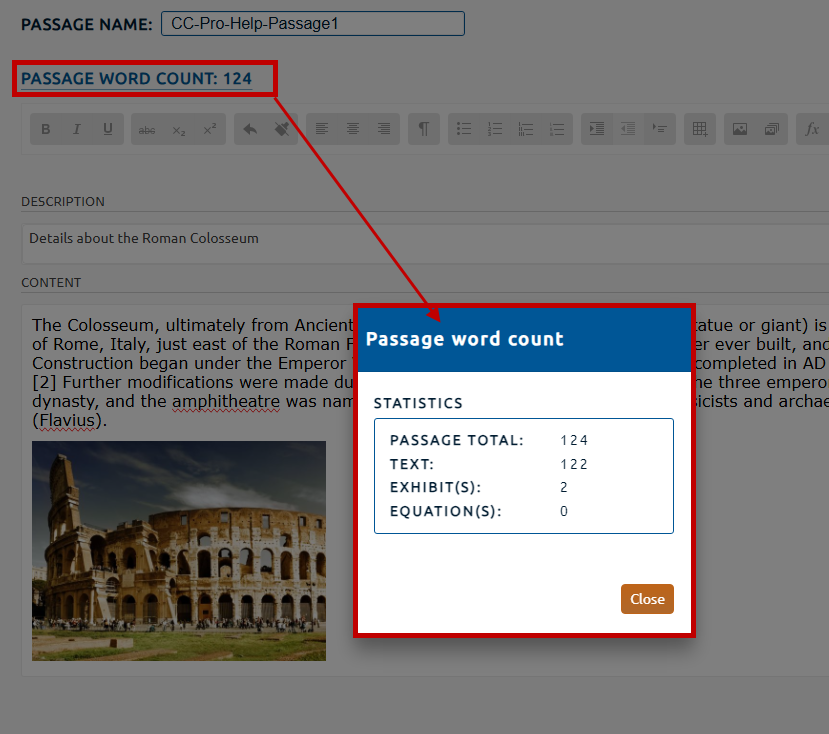
2. The Content page provides a PassageWord Count (highlighted in red, below) for the passage content. Selecting the Passage Word Count hyperlink will open the Passage word count dialog. This dialog will provide a statistical breakdown of the passage's word count.
The Passage Total consists of the following:
Text: The number of words used.
Exhibit(s): The summation of all exhibits multiplied by their section default or custom word valuation.
Equation(s): The summation of all equations within the Content multiplied by their section default or custom word valuation.
Note: For more information on setting the section default word count for an Equation or Exhibit, click here.
Note: For more information on setting a custom word count for an Equation, click here.
Note: For more information on setting a custom word count for an Exhibit, click here.