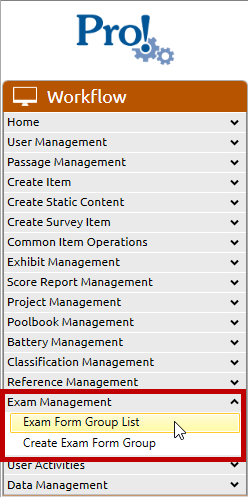
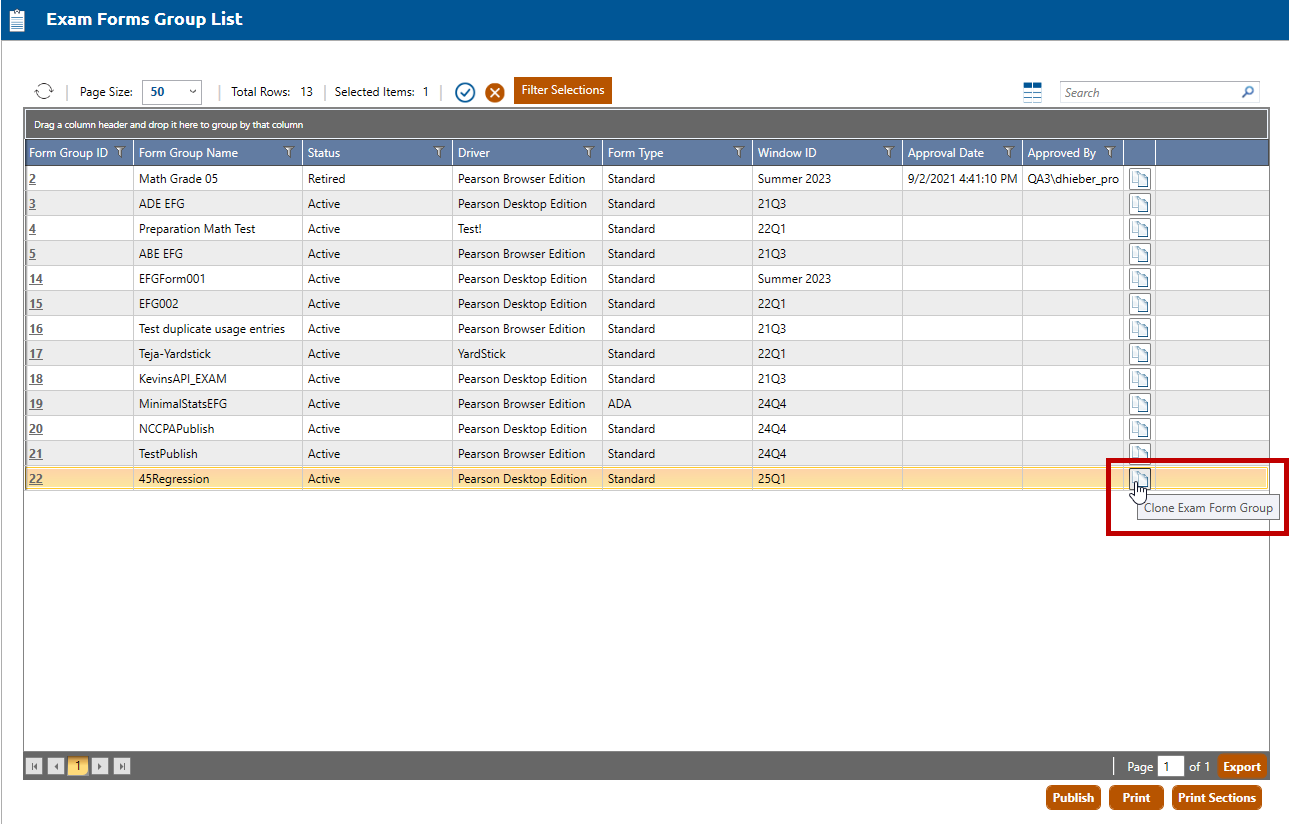
Click the Clone Exam Form Group icon (highlighted in red, above) for the Exam Form Group to be cloned.
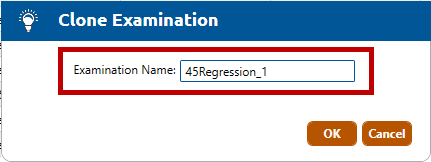
The Clone Examination dialog is opened. The Examination Name field (highlighted in red, below) contains the default value of the selected Exam Form Group with "_1" appended. This value can be updated to something more meaningful if desired.
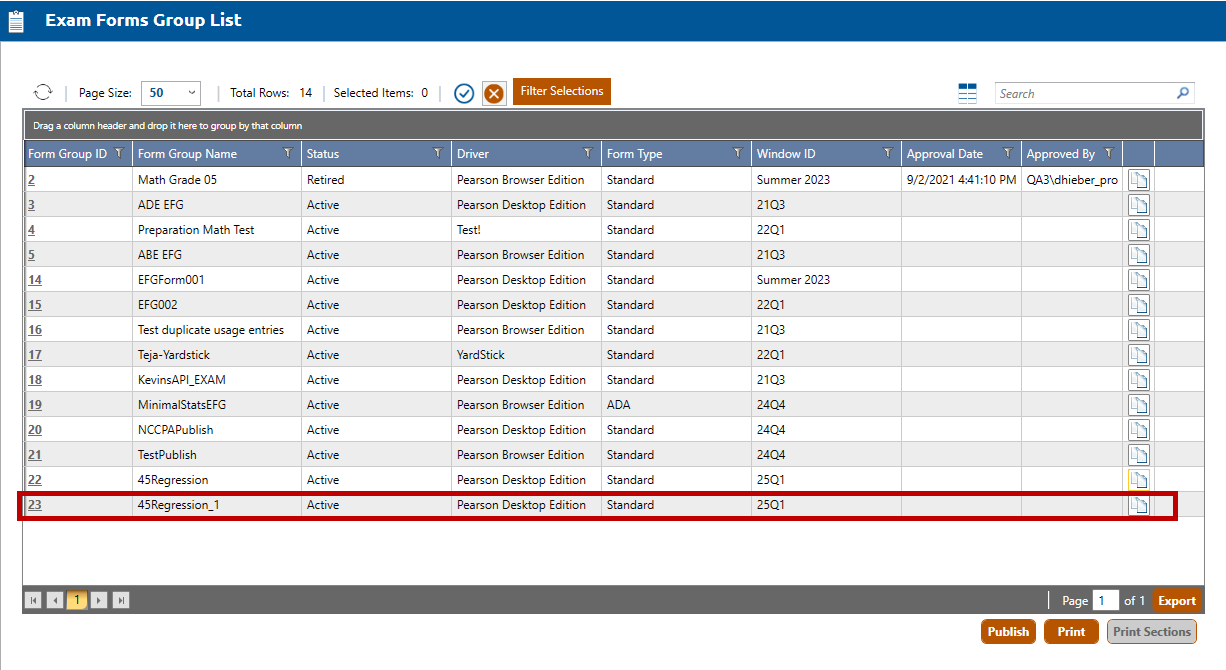
Click the OK button to create the Exam Form Group clone (highlighted in red, below).
Note: The clone will contain all the exam settings and layout sections from the original. Forms are not copied during the cloning process and will need to be created in the new Exam Form Group.